The language management window includes three panels from left to right: Languages panel, Objects panel and Translation panel.
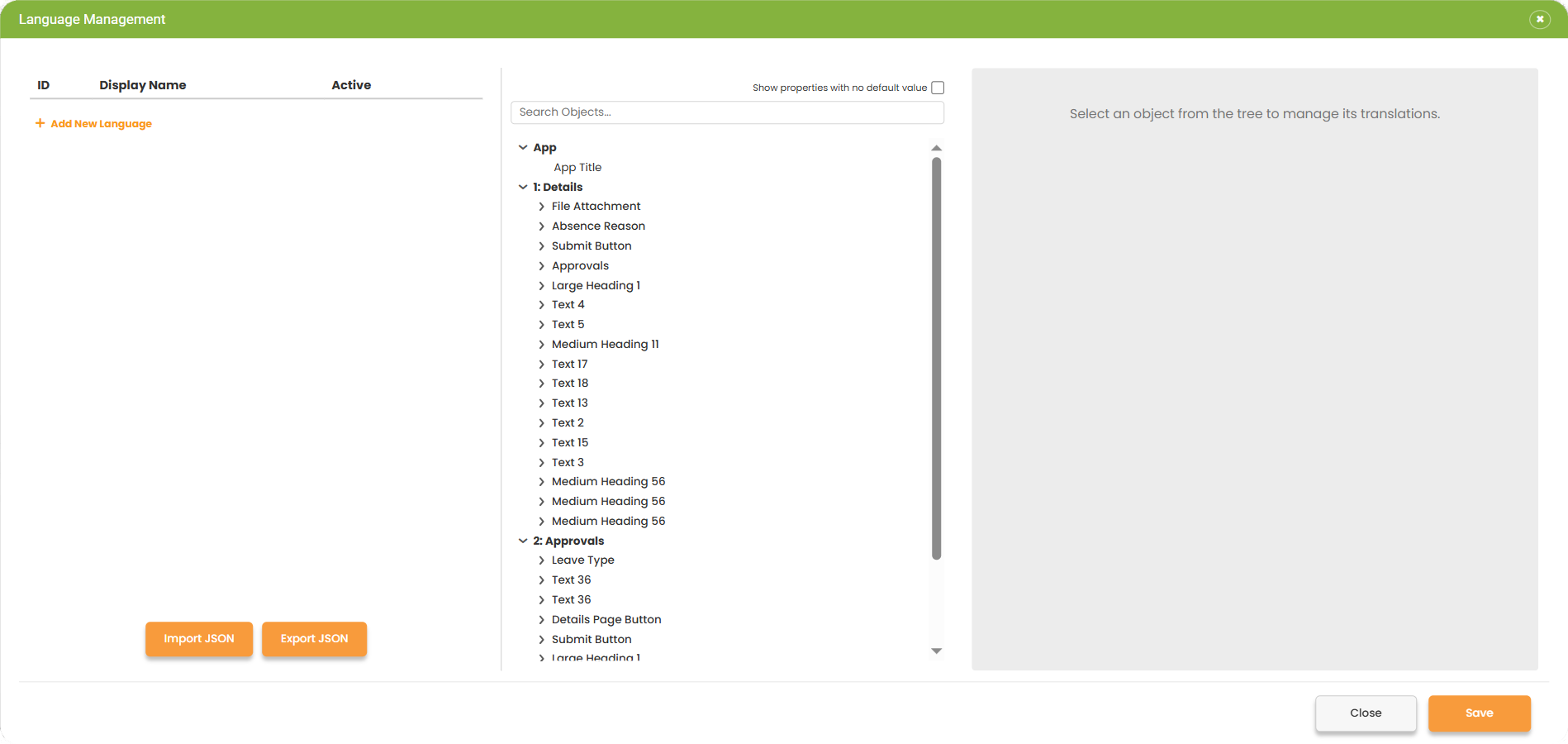
To add a new language to the current app, click ‘+ add new language’, select a language from the list, or use the search option with the ISO language code or name to find a specific language.
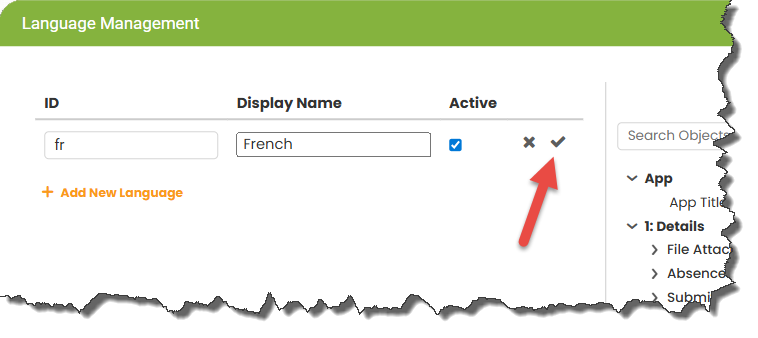
Click the tick to add the language.
The language display name may be edited.
New languages will be active by default, but can be deactivated by clicking the Edit Language button  and unchecking the active checkbox. Check the tick after to save the change.
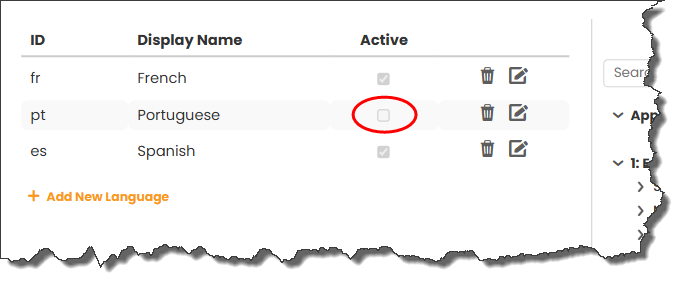
By deactivating a language, you can still work on the translations, but the app user won’t see that language option until it is reactivated and the app is re-published.
Return to: Using Multiple Languages