The app's JSON file can be exported, allowing translations to be made and then imported back into the app.
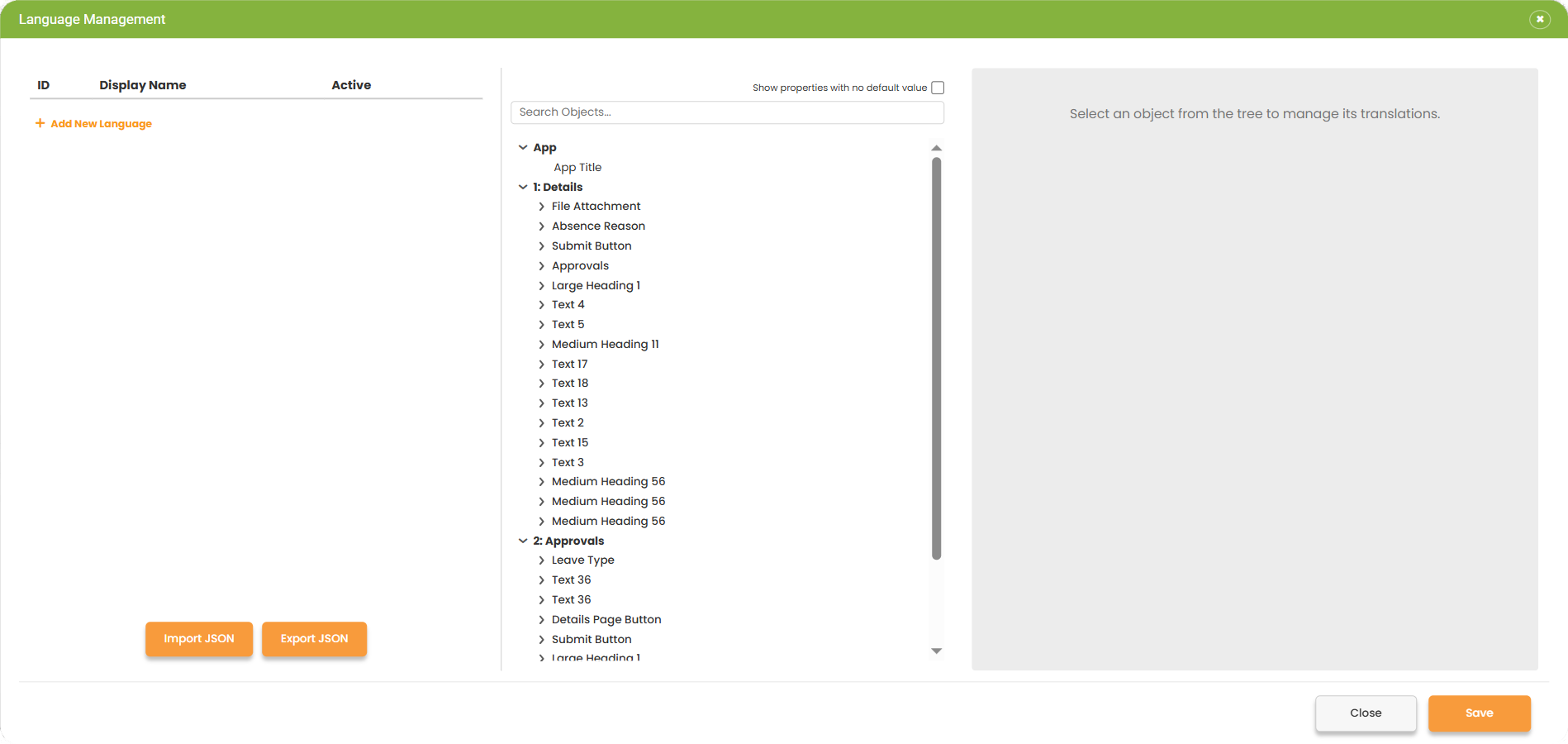
From the languages panel, select the Export JSON button to export the JSON file and open it in a suitable code editor.
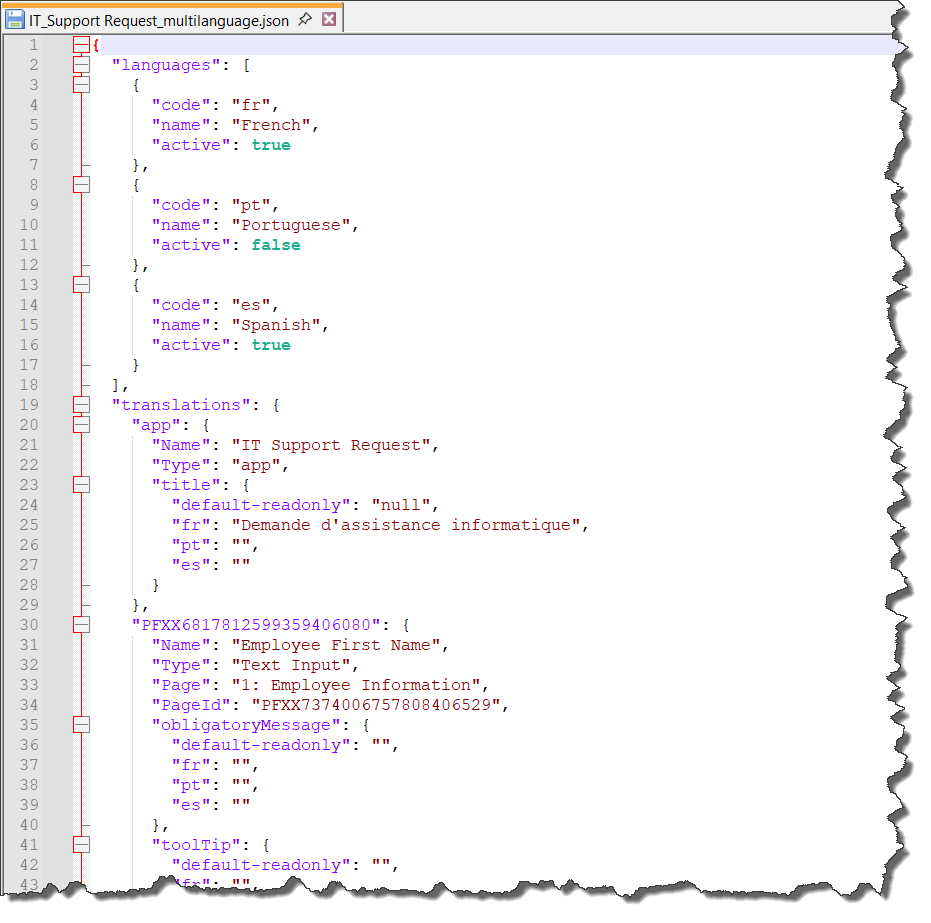
The JSON code can be edited directly, saved and then imported back into PerfectApps using the Import JSON button.
 |
In the JSON file, the default language field is set to read-only. Anything you enter in these fields will be ignored; it’s not possible to modify the default language in the JSON file. |
See: Translations Using an AI Tool
Return to: Using Multiple Languages