A two-column layout is ideal for a phone in landscape mode or a tablet. A phone in portrait mode will always display the default one-column layout.
Setting up a two-column layout is optional. To create a two-column layout for any page, in the navigation panel, select ‘2 Column’ in the view drop-down.
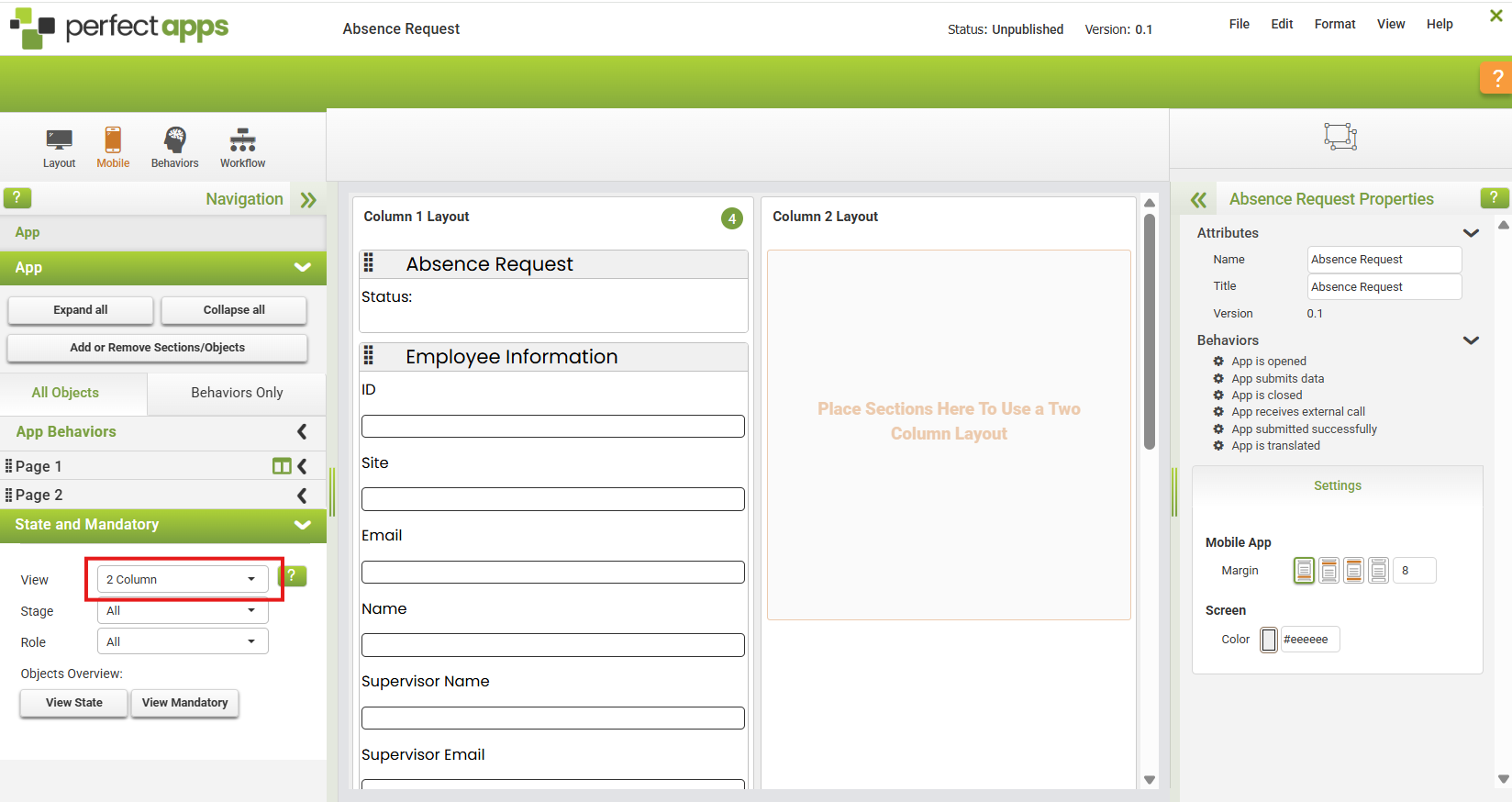
Drag one or more sections from column one to column two using the grab handles. 
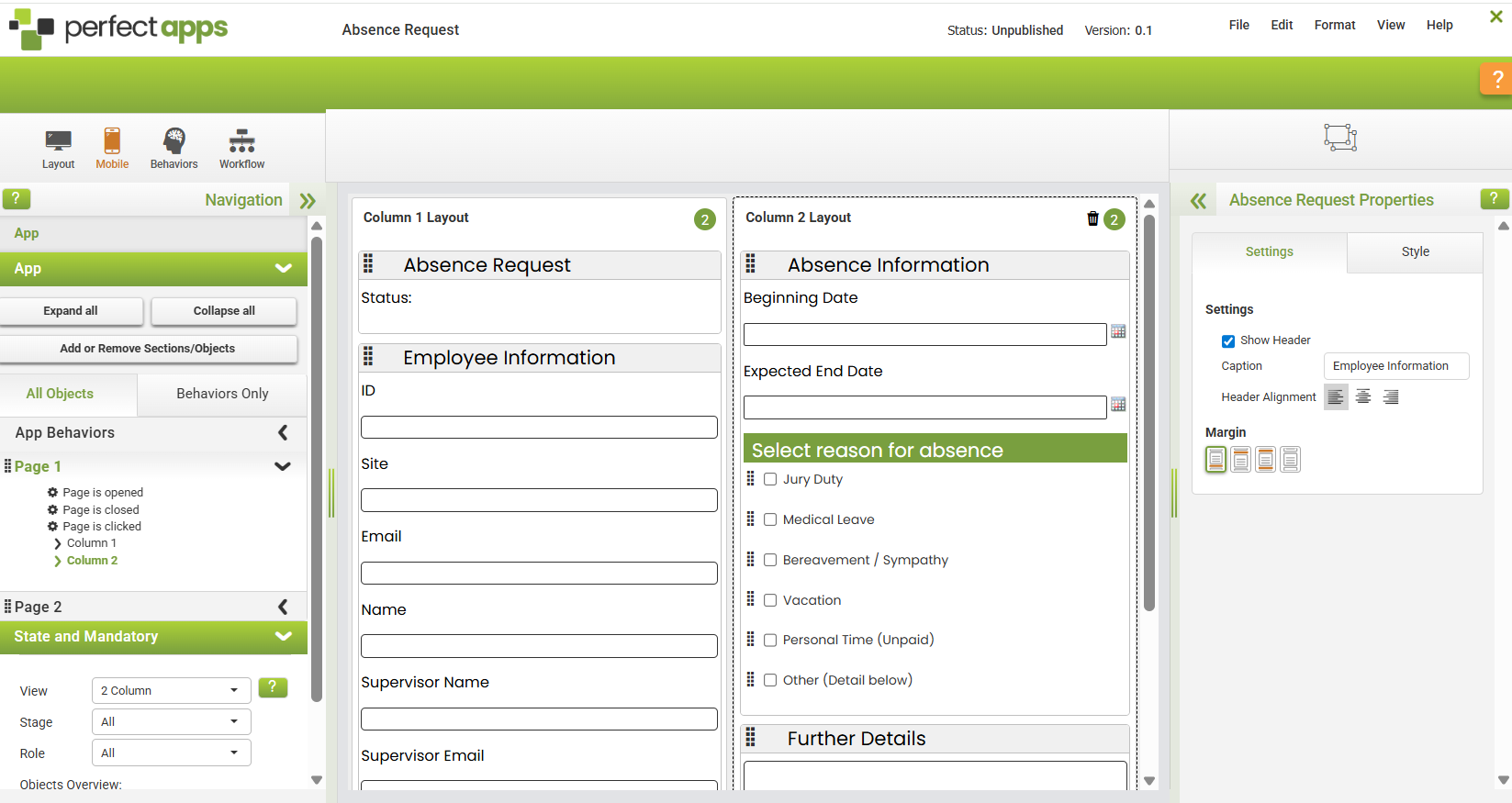
To remove the two-column layout on a single page, click the trash can icon in the upper right of the second column. Moving all sections back to column one will also remove the two-column layout.
|
The number in the green circle at the top of each column indicates how many sections there are in that column. |

See also: Deleting a Mobile App
Return to: Mobile Design